Collaborative AI for industrial automation.
Relay Control unites engineering expertise and AI in a governed workspace, helping teams build faster and deliver traceable control systems with confidence.
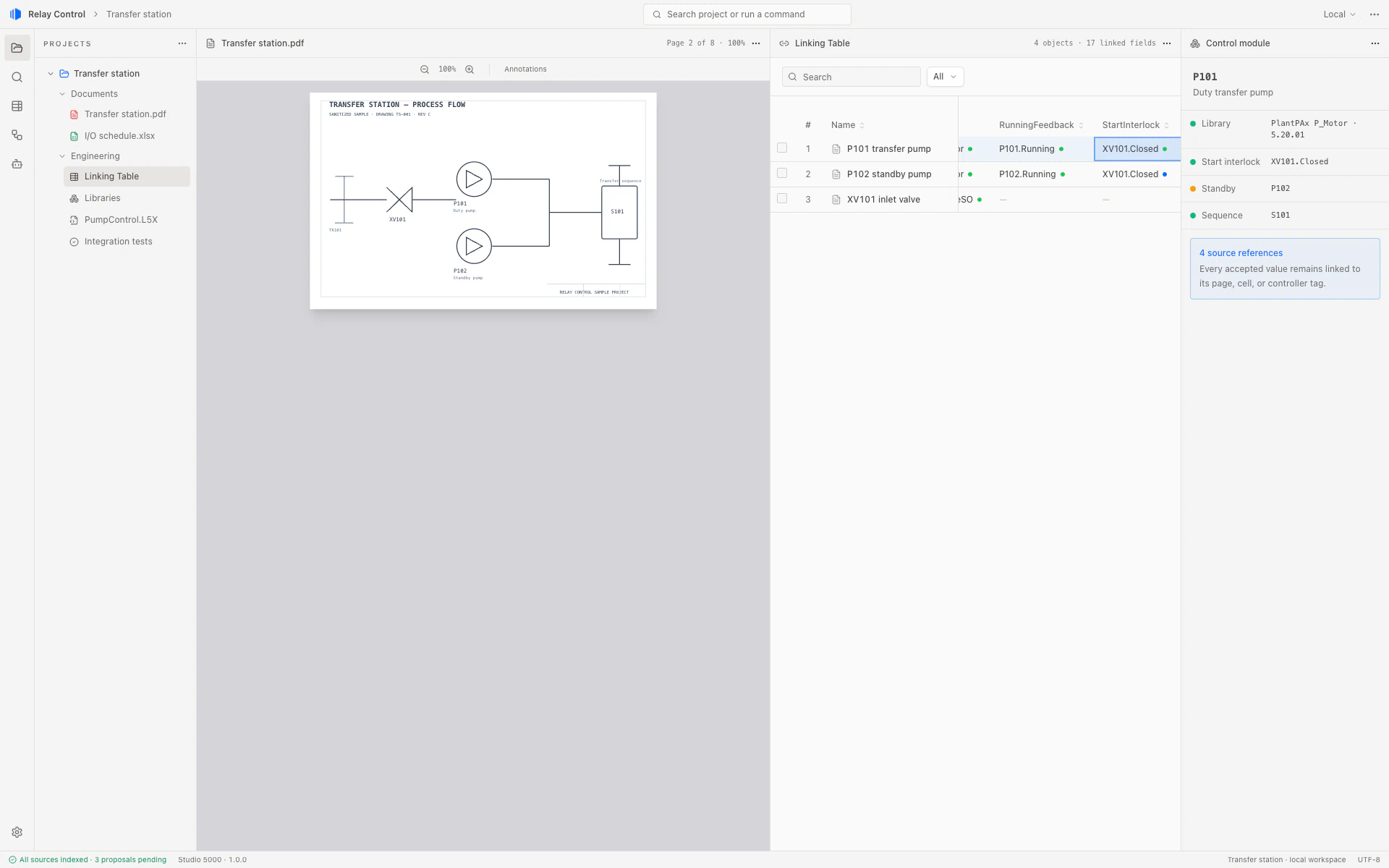
Product capture from Relay Control using deterministic, sanitized Transfer station sample data.
Why Relay Control
AI that works the way your team works.
Grounded in your project sources, guided by approved engineering standards, and accountable to every decision.
Grounded in engineering truth
Relay Control works from your P&IDs, spreadsheets, HMI assets, and existing controller code, not an invented version of the project.
Engineers in control. Governed by standards.
AI agents help you create extraction rules and apply your approved code, libraries, templates, and standards. Engineers review, approve, or reject their proposals, with every accepted decision connected to its source.
Shared expertise. Faster teams.
When one engineer creates a better rule or extraction method, they can share it with the team. Everyone can reuse that work and move faster together.
The rules run on your machine
Large models help you author the rules. Running them across your project happens locally, so the work carries on whether the link is there or not.
The engineering lifecycle
From proposal through build to commissioning.
Keep project knowledge moving with the work, so each engineer can pick up where the last one left off.
-
Proposal engineer
Proposal
Bring requirements, drawings, and existing standards together. Capture the assumptions and source evidence that shape the proposed solution.
-
Builder engineer
Build
Turn reviewed decisions into controller and HMI work. Reuse approved libraries, inspect generated changes, and validate the result.
-
Commissioning engineer
Commission
Compare expected behavior with test results, investigate site findings, and record the decisions made before handover.
One connected record of sources, approvals, and changes across the project.
The workflow
One governed path across your engineering sources
Work with AI across six connected stages: understand, connect, apply standards, review, generate, and validate. Keep the evidence behind every decision.
-
Understand sources
Bring in P&IDs, instrument lists, spreadsheets, HMI displays, existing PLC and HMI code, and controller exports. Whether a project begins with documents, code, or both, Relay Control reads the available structure so the team can work directly from the source.
Document Viewer: Transfer station P&ID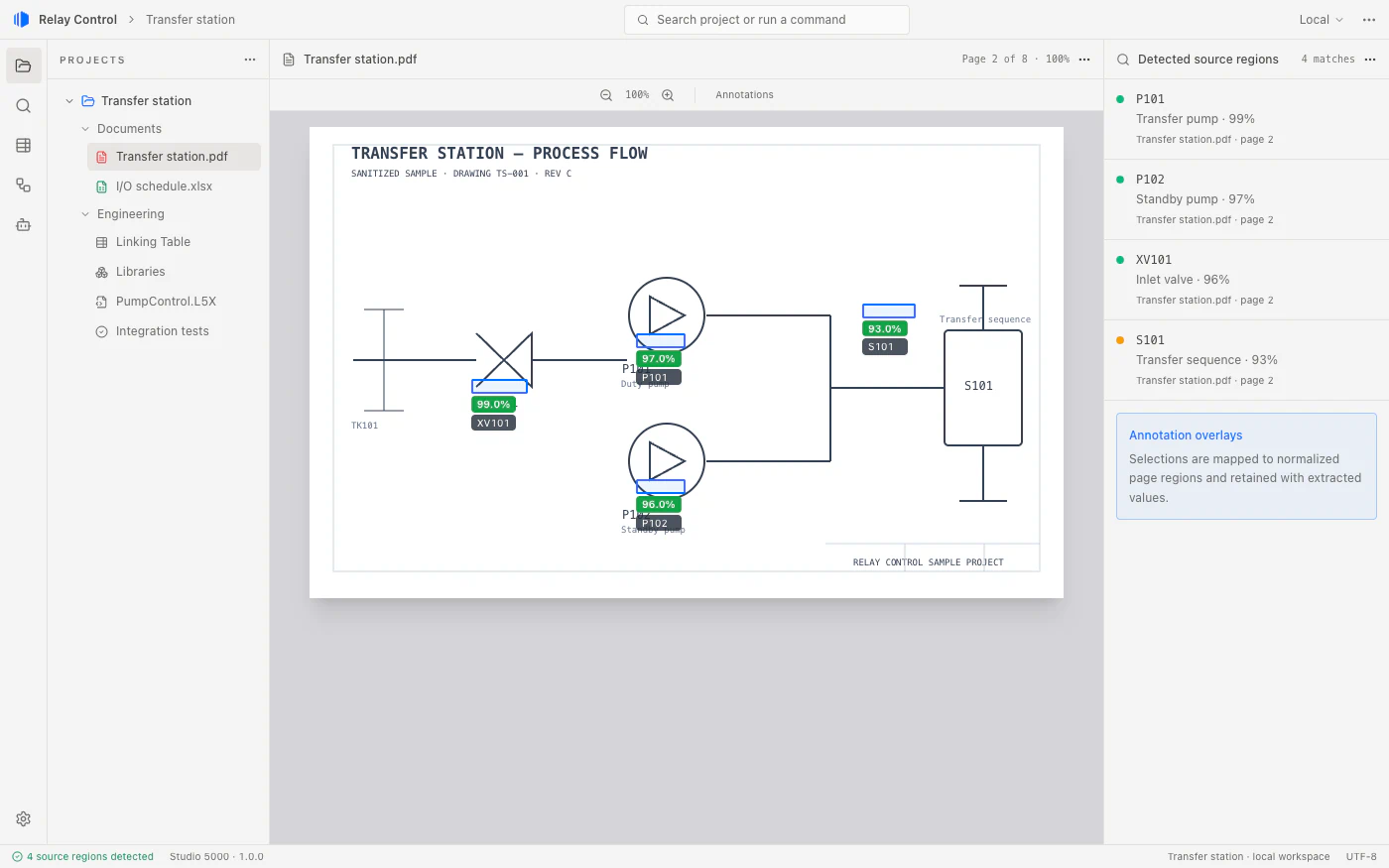
-
Connect engineering data
AI helps identify the same equipment, tag, value, or control concept across documents and existing code. Every proposed match carries the cell, table, page region, tag, routine, or code reference that produced it.
Linking Table: P101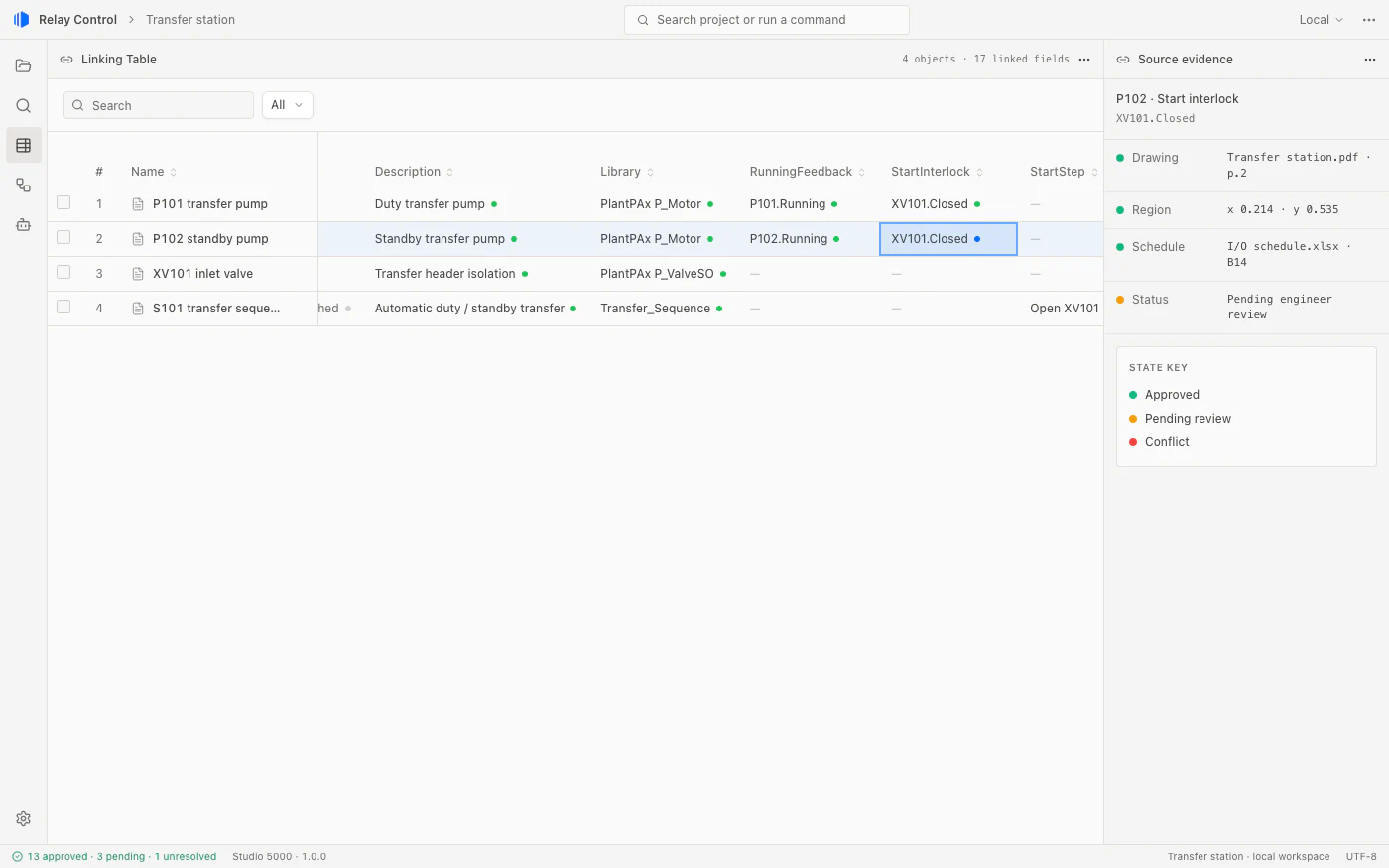
-
Apply engineering standards
Select approved modules, existing code patterns, and templates that fit the project. Signed Connectors are bound to an exact version, so the team can review which engineering assets and operations it is using.
Approved assets: P101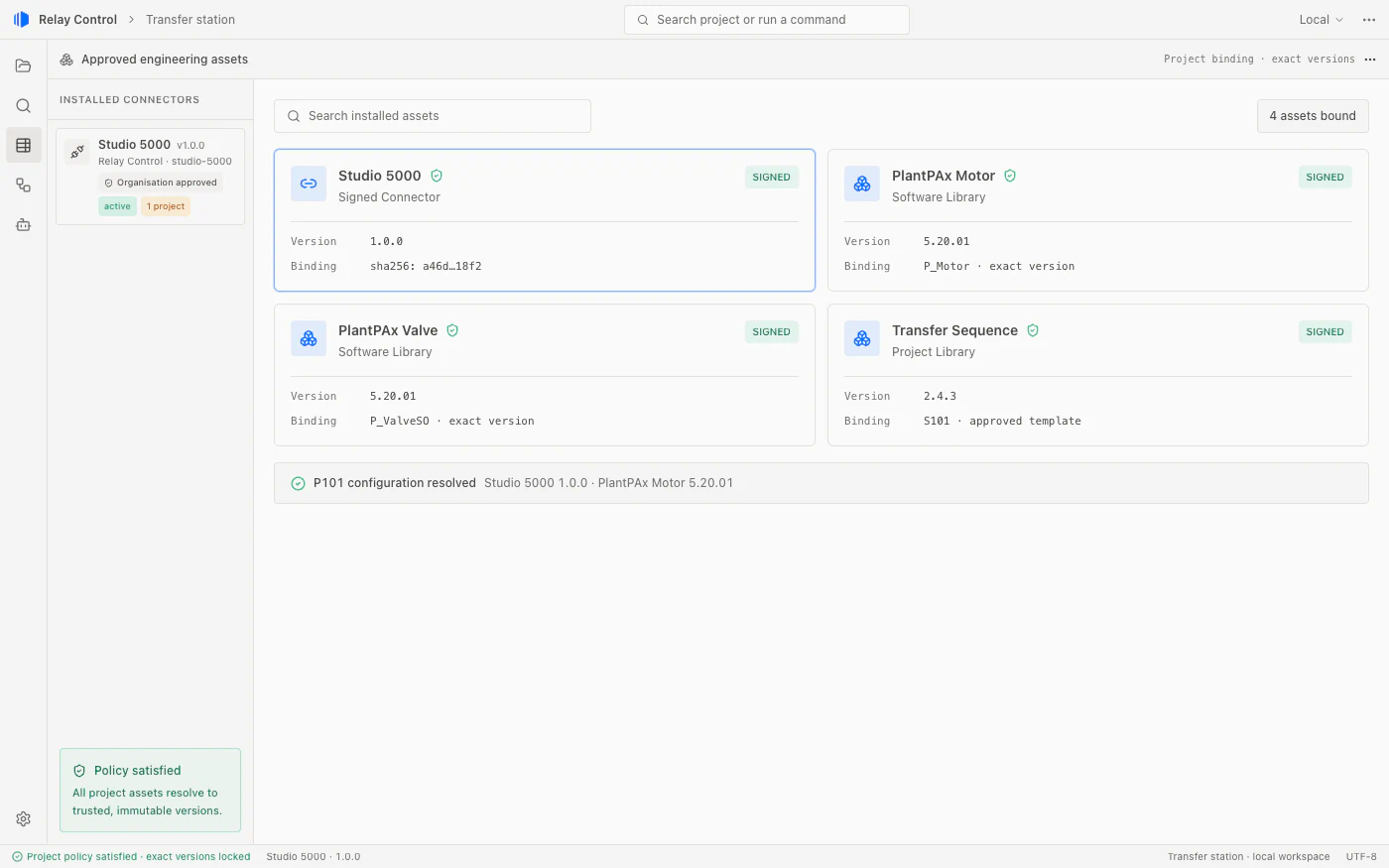
-
Review and approve
Inspect the proposed connections and configuration alongside the selected modules and source evidence. Engineers approve, reject, or request a correction. Conflicts stay visible until they are resolved.
Review: P101 proposals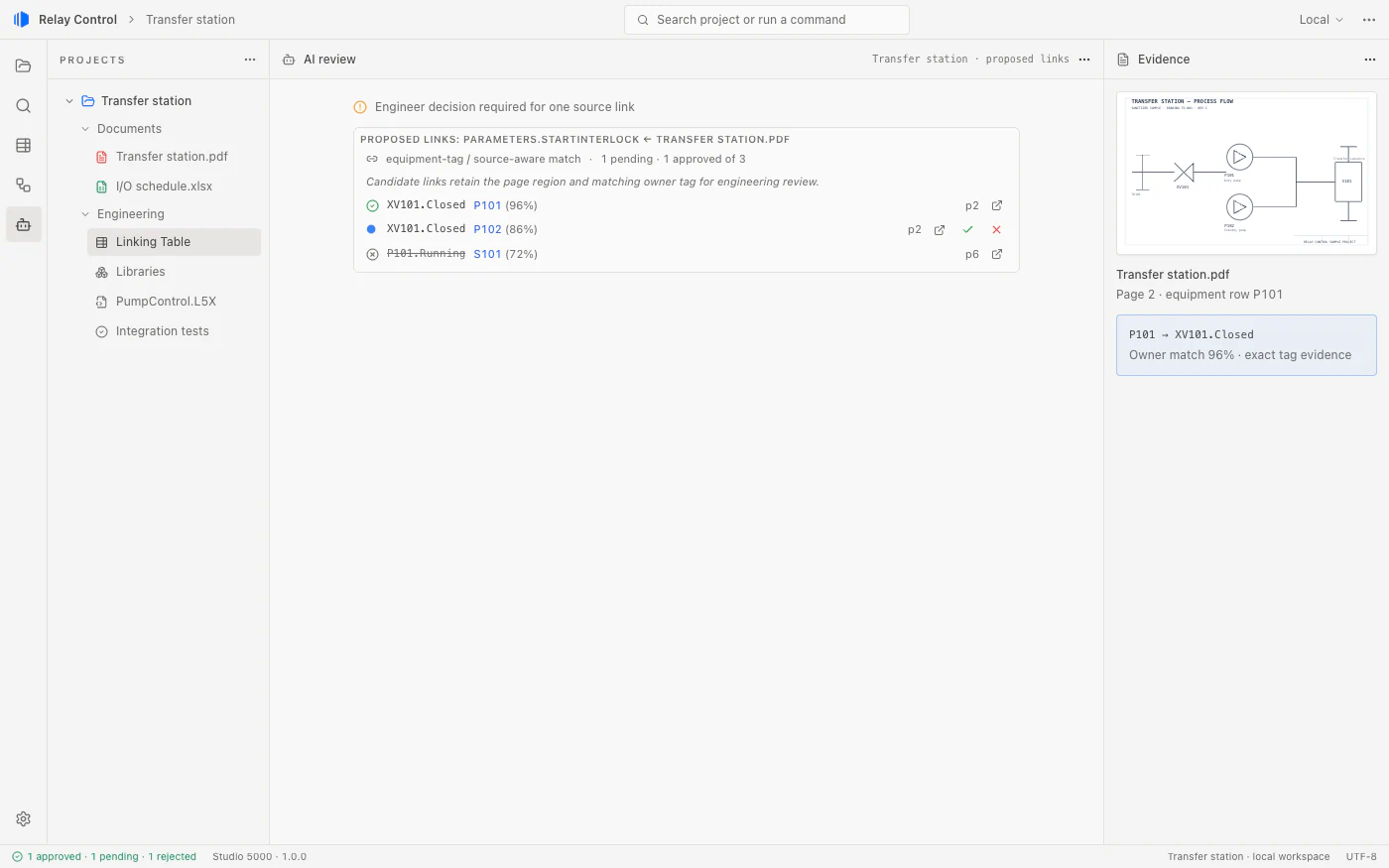
-
Generate outputs
Create vendor artifacts for Studio 5000 and TIA Portal from approved project data and reusable code. Keep generated values connected to their source locations, so engineers can inspect what changed and why.
Generated artifacts: PumpControl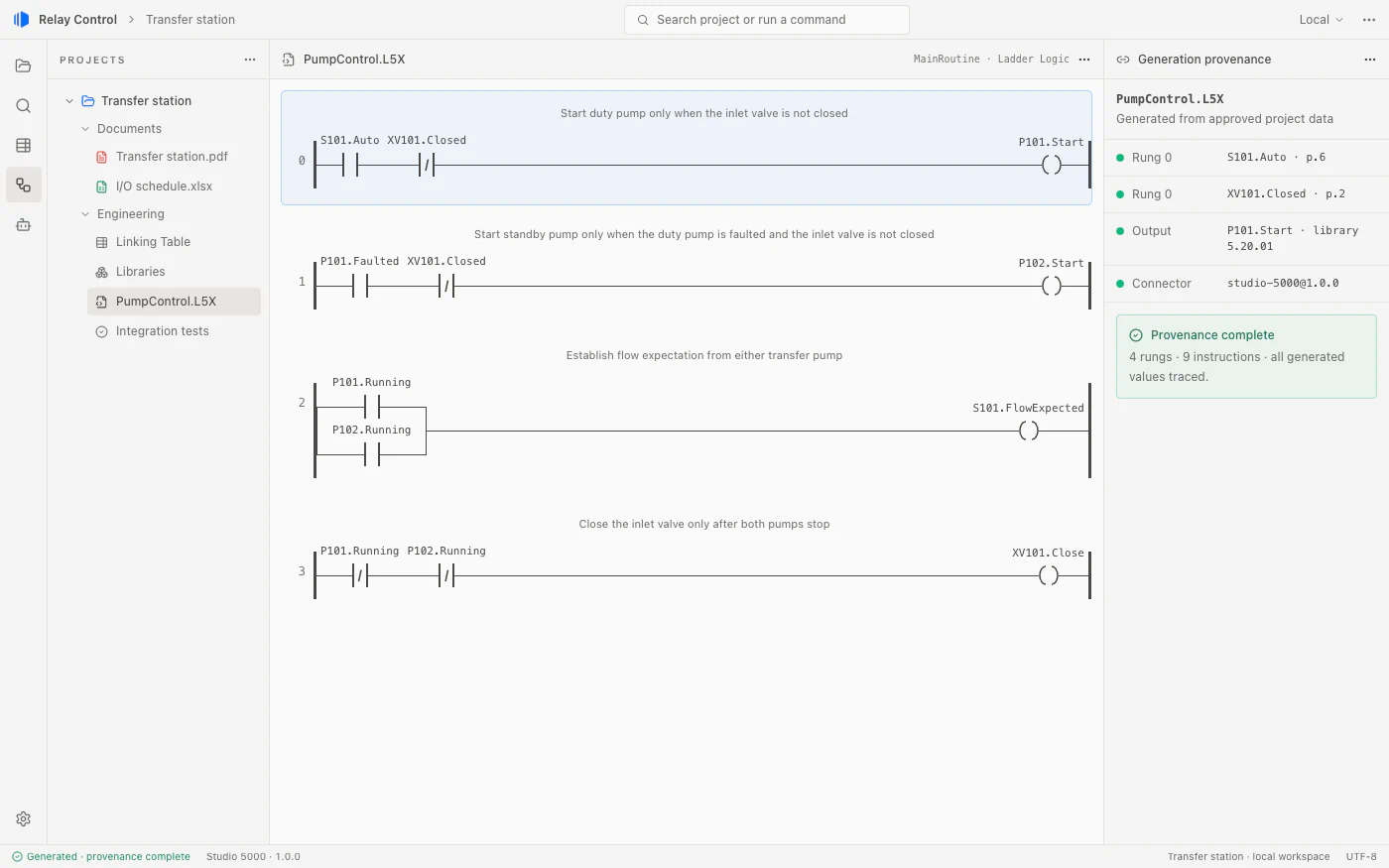
-
Test and validate
Define checks from engineering requirements, run them against supported simulator setups, and compare expected behavior with observed results. Review failures, cleanup status, and source evidence before accepting the outputs.
Integration results: Transfer station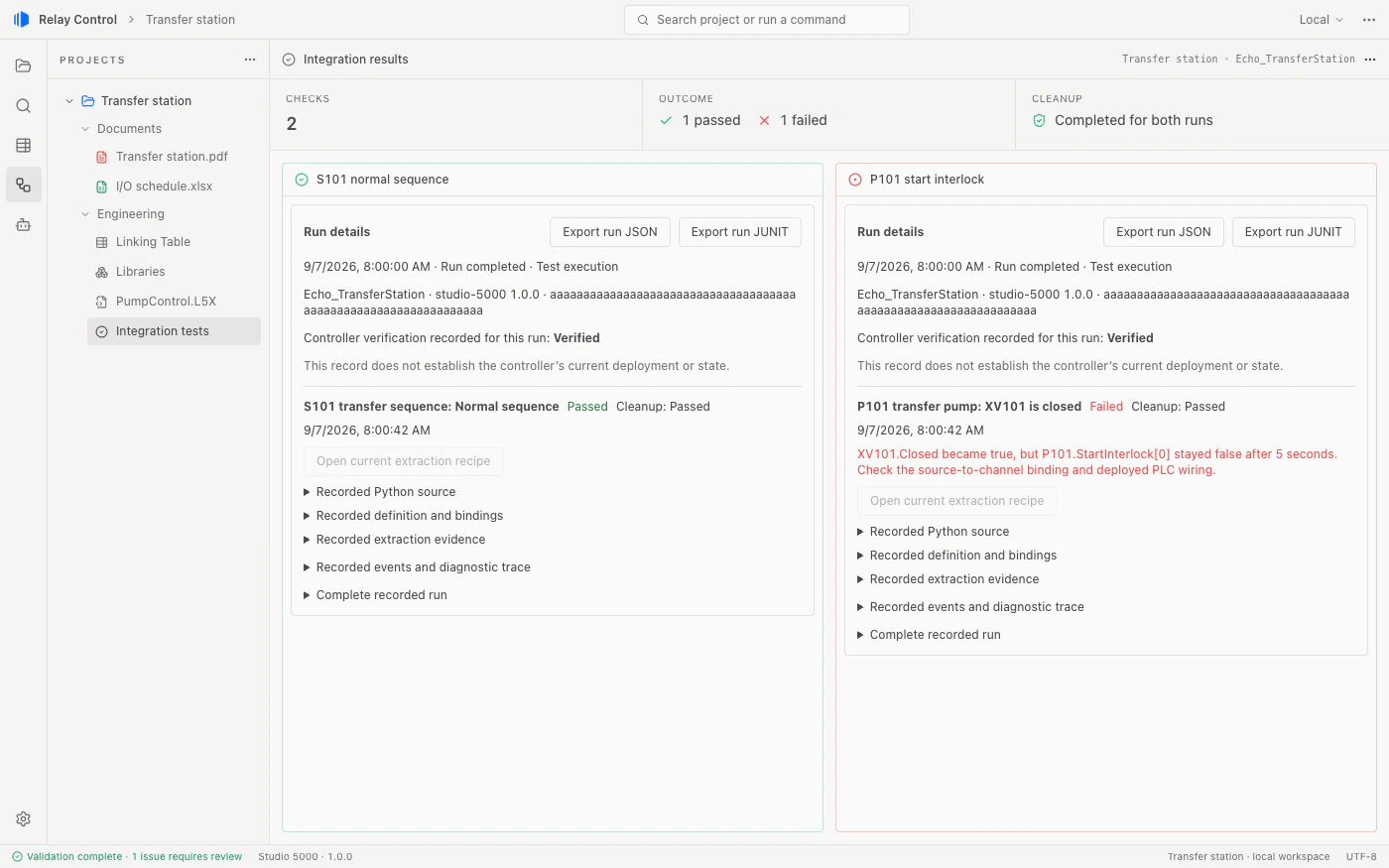
Libraries
Create and reuse libraries with AI.
Create and refine reusable libraries with AI chat, then apply your team’s approved logic and templates across projects. Version control and approval workflows help keep engineering standards consistent.
Search community libraries to discover reusable modules and templates shared by other engineers, and bring the right ones into your projects.
- Function blocks
- HMI templates
- Code templates
- Extraction rules
AI chat
Library creationYou
Create a Pump Control library in our Plant Standards suite for Studio 5000.
Relay AI
Created Pump Control in Plant Standards. It’s ready for you to configure and review.
Pump Control
Library created · Plant Standards
Software Library
Plant Standards
Pump Control
Awaiting reviewNew library entry
- Name
- Pump Control
- Suite
- Plant Standards
- Platform
- Studio 5000
Configure the library and review it against your team’s standards before use.
Illustrative app view · Creating a library with AI
Connectors
Connect to the platforms you already use.
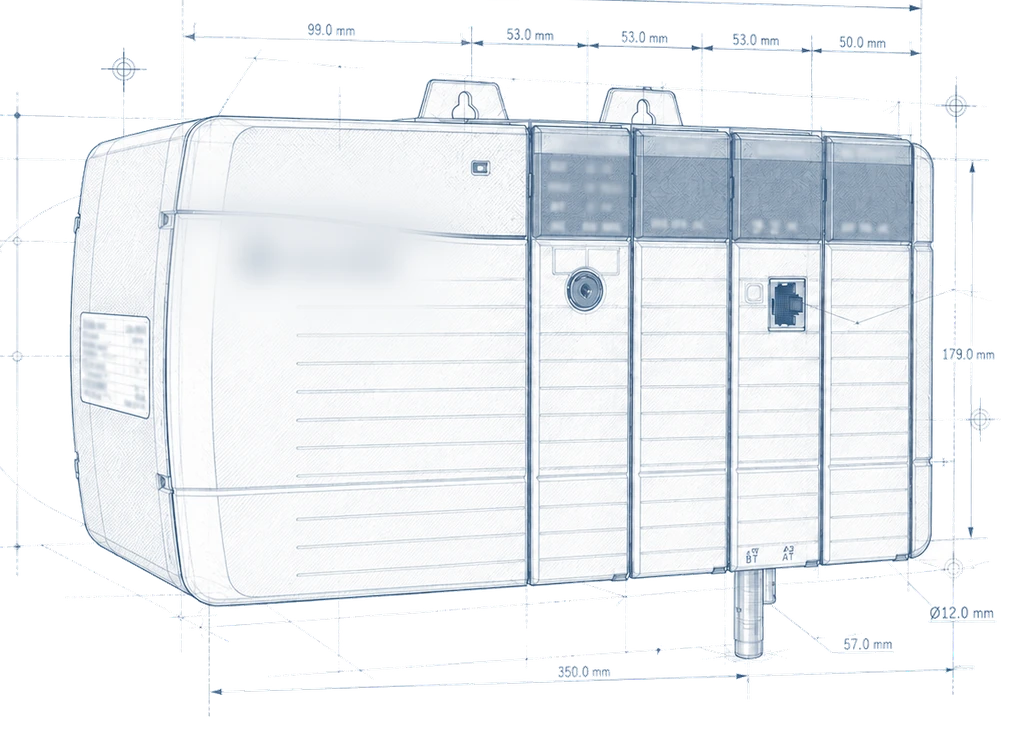
Connectors link Relay Control to the major industrial automation platforms and work in their native project formats.
Rockwell Automation
Studio 5000 + FactoryTalk View
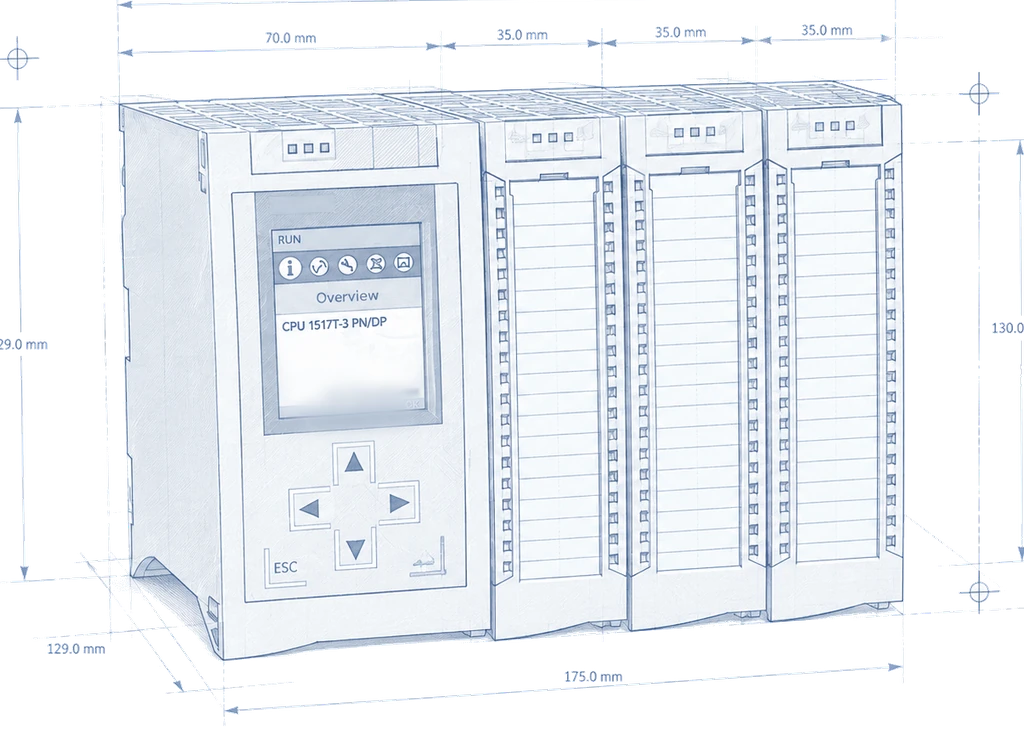
Siemens
TIA Portal + WinCC
Schneider Electric
Control Expert + Citect
Coming soon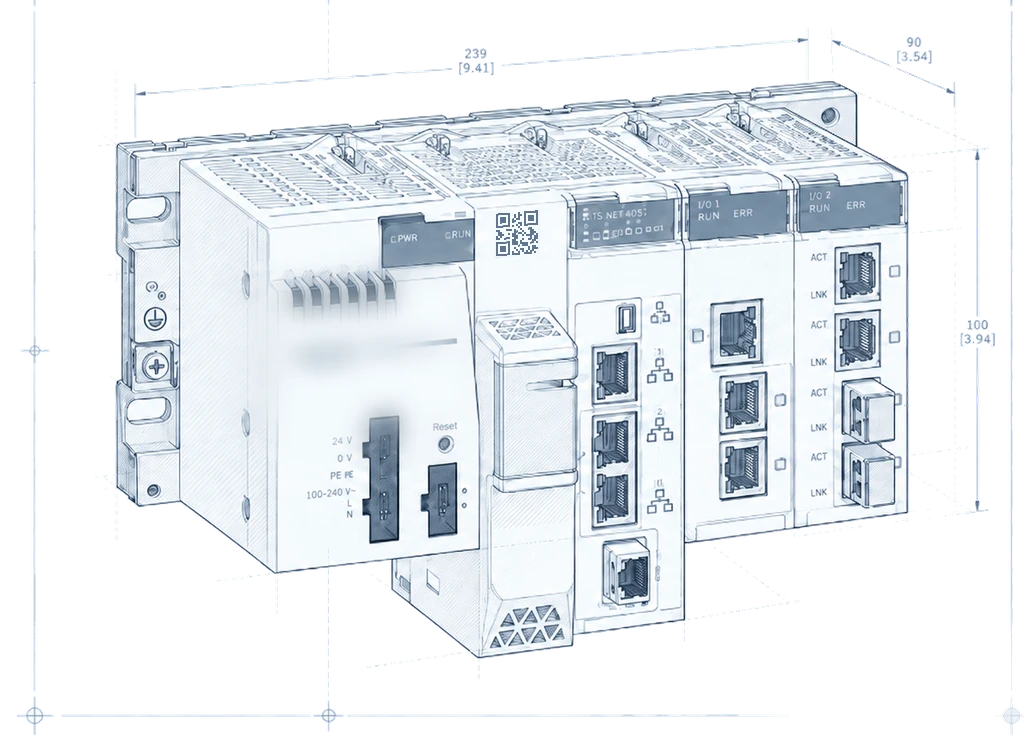
Pricing
Plans designed for engineers and teams of all sizes.
Bring your engineers and AI into the same workflow.
Understand faster, engineer with confidence, and deliver control systems that remain traceable to every source and decision.